
Announcing - Rons Data Compare - 2026-11-04
If you work with CSV exports, spreadsheet dumps, or any other tabular data that tends to wander off between versions, you have probably lived through the spreadsheet shuffle: two files, a growing headache, and a quiet prayer that nothing important slipped through the cracks.
We built Rons Data Compare for that moment — and for every repeat performance after it.
A New Tool in the Data Lineup
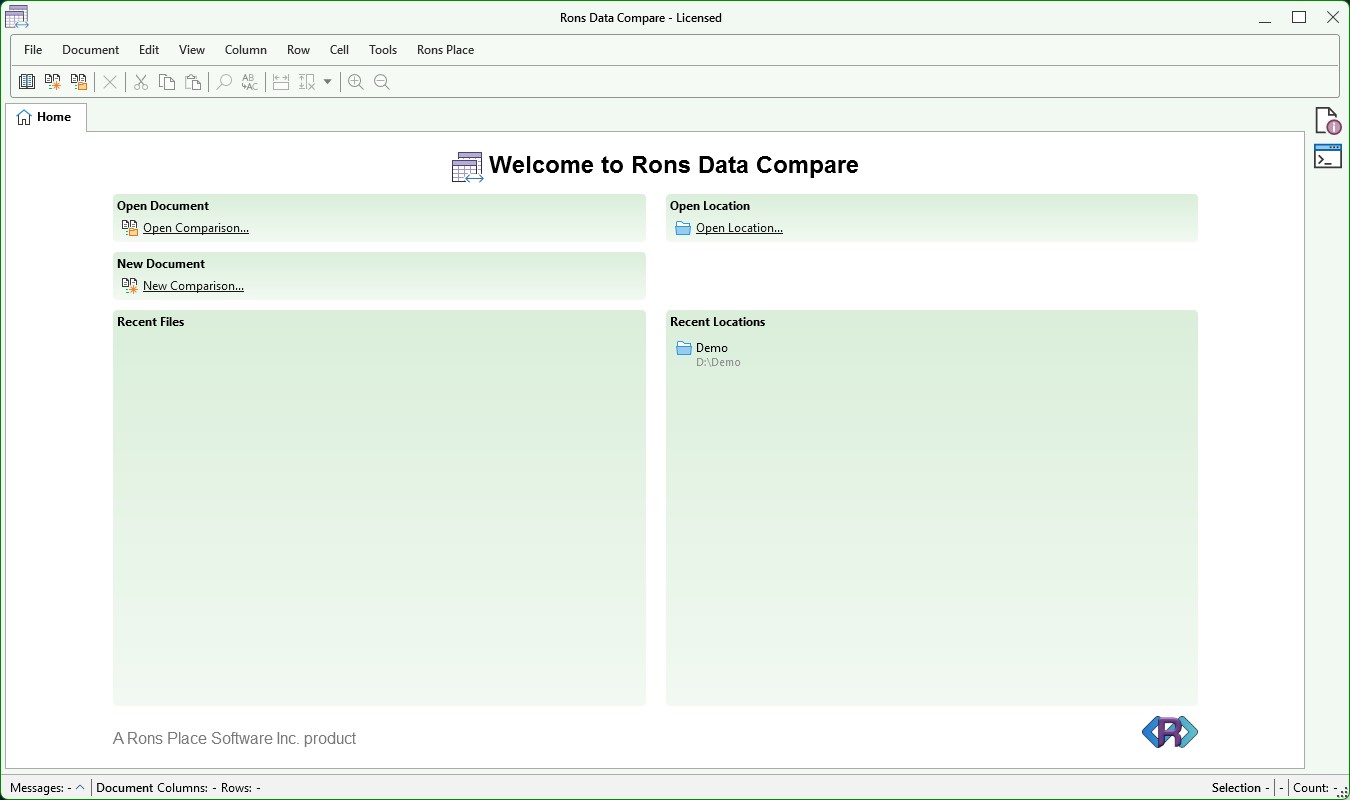
Rons Data Compare is a Windows application for comparing two CSV (or CSV-like) files side by side, seeing exactly what changed at the row, column, and cell level, and applying updates in a controlled way when you are ready.
It is 100% new. Like much of our work lately, it started with customer requests: people who already used Rons Data Edit for editing, but needed a focused workflow for reconciliation — “this export from Tuesday versus this one from Thursday,” “system A versus system B,” “before migration versus after.”
Rather than bolt a comparison mode onto the editor and hope for the best, we gave comparison its own home.
Same Engine, Different Job
Under the hood, Rons Data Compare shares the same proven table technology as Rons Data Edit. That matters in practice: large files stay responsive, familiar grid behaviour carries over, and row-matching ideas (keys, mapped columns, similarity when rows are almost the same) are the real thing, not a toy diff pasted on top of a text file.
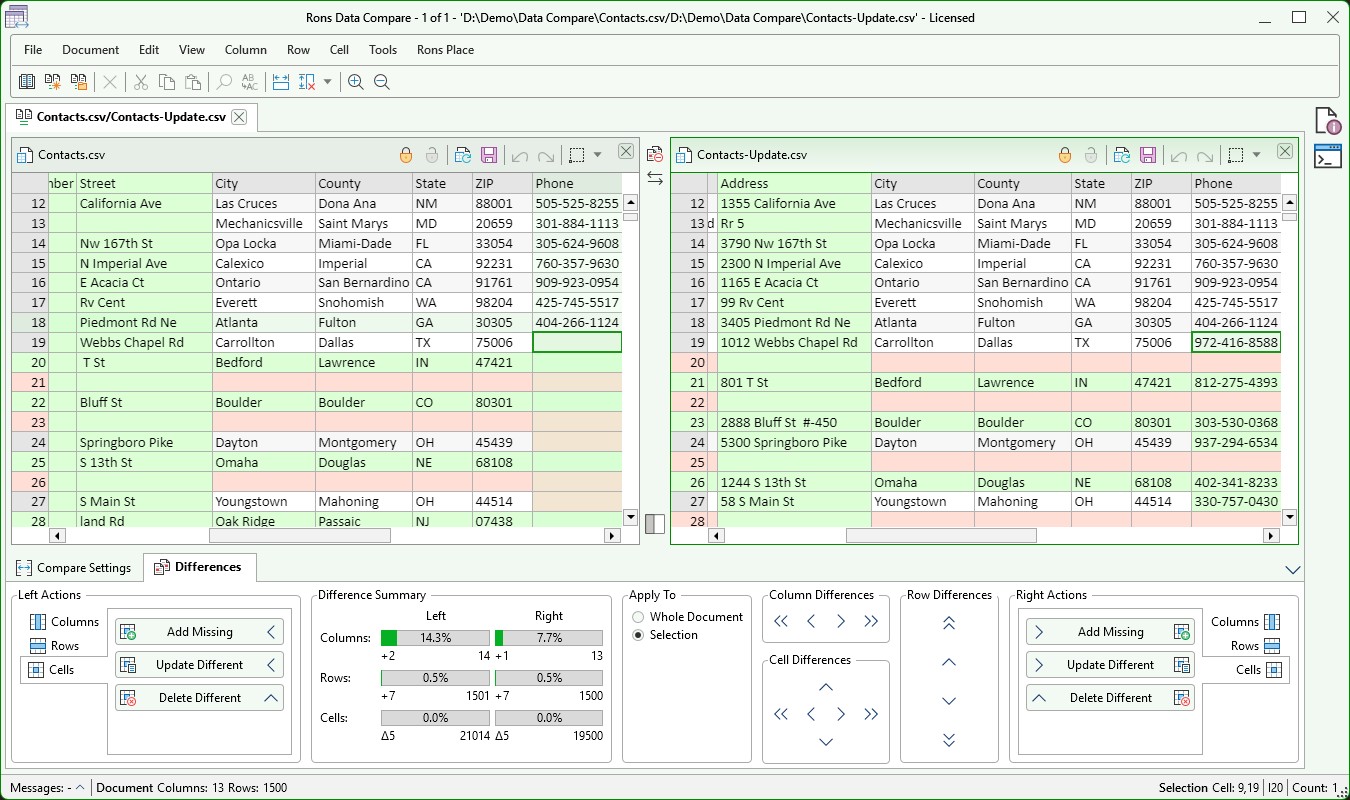
Each comparison opens in its own tab. You load a left file and a right file, map the columns that correspond to each other, choose how rows should match — by key columns, full row content, row order, or a blend — and run the compare.
When you are satisfied, you review differences in a dedicated Compare View and push changes left, right, or both, with undo history kept on each side so you can change your mind without drama.
What You Can Do With It
Typical jobs include:
- Comparing database or CRM exports before you trust a migration.
- Reconciling two versions of a contact list, price sheet, or inventory extract.
- Checking that a manual edit in one file was reflected correctly in another.
- Walking through additions, deletions, and cell-level edits before you synchronize.
Everything runs locally on your PC. No cloud upload, no account required for the comparison itself — your data stays where you put it.
Get Started
A free Lite version is available from our download page, with full PRO licensing for heavier use (including larger documents — the product page has the details).
For a step-by-step tour — opening a comparison, setting keys and compare modes, and applying updates — see Getting Started with Data Compare.
Over to You
Rons Data Compare joins Rons Data Edit, Rons Data Stream, Rons WebLynx, and Rons File Wrangler in our current lineup. We are pleased to finally ship something purpose-built for the “two files and a deadline” problem.
If you compare CSV files for a living — or only when something has gone subtly wrong — take a look and tell us how it fits your workflow. We are always interested in feedback.
 Rons Data Edit (3)


